
Boost your Tableau journey
Advanced Tableau Intermediate
Training price is € 700 per person

What do you get for your investment in Tableau training?
The Best instructor duo on the market
Reporting templates at your fingertips
Dashboard created right before your eyes
Documentation and best practices
Simulation of real business requirements
Space for consultation of your problems
Tableau training dates
If you are interested in an individual appointment, please contact us using the inquiry form.
What is the training goal?
Independent dashboard creation and publishing
After completing the course, users will be able to create dashboards independently and publish them to the server.
Dashboard analytical
process
We'll go through the entire analytical process from requirement formulation, data preparation, data calculation, visualization creation, and compilation of visualizations into a dashboard.
Creating dynamic
dashboards
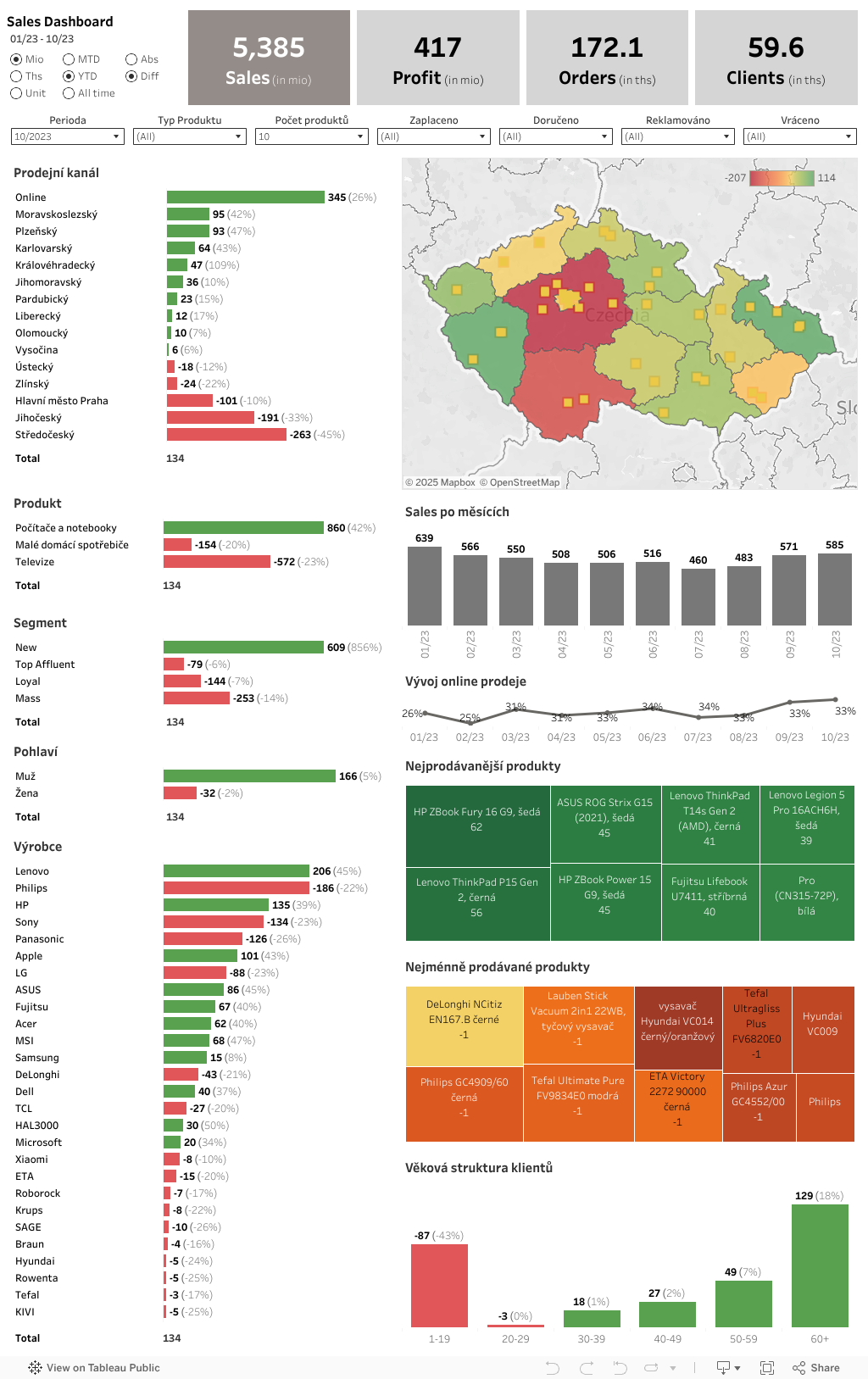
We'll explain how to design a dashboard, how to work with containers and optimize for different devices, how to add dynamics to the dashboard.
What can you look forward to?
Visualization types
- what visualizations Tableau offers
- what each visualization is used for, in a live demonstration we'll create: bar chart, line chart, bump
- chart, tree map, bullet chart, donut chart, waterfall, wordcloud
- tips and tricks for creating visualizations more efficiently

Dashboard concept
- how to properly design a dashboard from an information perspective
- preparing a dashboard concept created from empty objects and their placement
- working with containers and objects
- advantages and disadvantages of display for tablet, desktop, and mobile
- is there a correct dashboard size setting?
- recommendations for dashboards, their number, colors, and fonts

Tableau prep
- what Prep is used for
- when to consider it, what components and functionalities Prep offers - we'll go through
- we'll go through the entire data preparation process (loading, exploring, transformation, joining, aggregation, and data export)
- we'll create a flow for data quality solutions, data transformation, and creating a reporting dataset

Tableau maps
- what data is needed to create a map in Tableau
- in a live demonstration, we'll create together: point map, heat map, and polygons
- why isn't it always best to use a map as visualization?

Creating calculations
- creating additional metrics, dimensions, aggregations, filters, and segmentation in Tableau
- what calculations we need to create absolute and relative displays
- how parameterization works
- types of filters and their impact on content
- custom data distribution

Data preparation
- how to connect to a database and what are the main differences between a table, view, or custom query
- what are the differences in live vs. extract connection, can they be combined?
- differences and detailed description of Joins, Blending, and Relations
- how to properly connect data sources using joins, blending, or relations and what type of connection to choose if we have, for example, different levels of data aggregation

Analytical Mindset
- standard BI vs Tableau approach
- what analytical mindset is about
- reporting phases - descriptive, analytical, and personalized
- what to watch out for and what to avoid

Interactive dashboard
- what dashboard actions are available including detailed description
- triggering specific actions on Hover, Select, and Menu with the possibility of their combination
- how to combine multiple actions on a dashboard and proper filter action settings using custom definition
- parameter actions and their detailed description and analysis
- how to change metric or dimension by clicking on an object on the dashboard

FAQ
Frequently asked questions
In this section, you'll learn everything you need to know about our Tableau training, from refreshments to logistical details. Our goals are clear: to provide you with clear and structured information to help you prepare for the training and make the most of it.

Website:On the website for the specific training (basic, intermediate, advanced) you'll find listed dates. Here you can select the date that suits you best and place an order.
Individual Date:If the standard dates don't suit you, it's possible to request an individual training date. Please send your inquiry via email:info@datascope.czWe organize individual training for at least 5 participants.
Phone Order:For quick and direct communication, you can also use phone ordering at 739 304 370.
We recommend choosing the method that suits you best and placing your order in time to ensure optimal date and training format.
- Own Laptop:Participant must have their own laptop with sufficient technical parameters to run Tableau Desktop application
- Installed Applications:It's necessary to have Tableau Desktop and Tableau Prep applications installed in advance. We recommend installing the latest versions.
- Internet Access:Ability to connect to internet for downloading materials or publishing dashboards to server
Our training takes place in Prague at the address: Lisabonská 2394/4, 190 00 Praha 9-Libeň
If you're planning to attend our training and wondering how to get there, we have several options for you. If you prefer public transport, you can take the metro to Českomoravská stop or get off at the Arena Libeň jih tram stop, which is easily accessible and near the training venue.
For those of you who would rather come by car, you can park for €4 for the whole day at OC Harfa.
Within walking distance are also Libeň and Vysočany train stations.
Training Start:Training begins at 9:00 AM. We recommend arriving at least 15 minutes early to have enough time for registration and preparation.
Coffee Breaks:During training there will be short coffee breaks that give you the opportunity to rest and network with other participants.
Lunch Break:There is a one-hour lunch break planned, which starts at 12:00 PM.
Training End:Training ends at 5:00 PM. After completion, you'll have the opportunity to discuss with instructors and get additional information and materials.
The training is designed to be as efficient as possible while providing you with enough time to rest and interact with others.
For your comfort and energy throughout the day, light refreshments will be available.
In addition, unlimited coffee and water will be available on site to keep you hydrated and full of energy.
As for lunch, please note that it's not included in the training price and each participant pays for lunch themselves. Near the training center, you'll find several restaurants where you can purchase lunch of your choice.
Your path to Tableau mastery
We've prepared a complete guide to help you make the most of our training and continue your professional growth even after completing it.
📥Step 1: Download the Necessary Software
Tableau Desktop (required)
Before starting training, download Tableau Desktop for free.The 14-day trial version allows you to try all features without limitations – from basic visualizations to advanced calculations.
Tableau Prep Builder (recommended)
For working with data preparation and cleaning, also download Tableau Prep BuilderThis tool will facilitate data transformation before visualization and is an ideal complement to Tableau Desktop.
💡 Step 2: Find Inspiration and Practice Skills
Tableau Public – Gallery of Thousands of Visualizations
After completing our training, you'll be able to create professional visualizations similar to those in the Tableau Public galleryView the work of analysts from around the world and be inspired by their creative approaches to data visualization.
Tableau templates – ready-made dashboards
Save time with pre-made templates from Tableau Exchange.You'll find ready-made dashboards for sales, marketing, finance, IT, and HR that you can use immediately or customize to your needs.
Official tutorials for beginners
Want to practice your acquired skills? Use official Tableau tutorials for beginners, které krok za krokem doplní praktické znalosti z našeho školení.
Sample data for practice
During training we work with real data. For self-study, use official sample data from Tableau – ideal for practicing basic and advanced techniques.
🎯 Step 3: Move to the next level
Tableau training intermediate – advanced techniques
Mastered the basics and want more? Continue to our Tableau Intermediate, where you'll learn advanced calculations, LOD expressions, complex dashboard actions, and performance optimization. Ideal for those who want to get the maximum out of Tableau.